
Last Updated: November 17, 2026
Quick Summary
To prevent printer paper jams, fan the sheets before loading so they don't stick together, fill the tray only to the fill line, and set the paper guides snug against the stack. Store paper flat in a cool, dry place, since damp or curled sheets are a common cause of misfeeds.
- Fan the sheets and tap the stack flat so stuck-together pages don't feed as one.
- Fill the tray only to the fill line, because overfilling pushes the stack into the rollers at an angle.
- Keep paper flat in a cool, dry room and never stand a ream on its edge.
- Clean the feed rollers and check the guides monthly, or weekly on a busy shared printer.
- If jams keep returning in the same spot, worn rollers may be the cause.
Table of Contents
- How to Load Paper in a Printer Correctly
- How to Store Printer Paper So It Feeds Cleanly
- Printer Roller Cleaning and Jam Prevention Checklist
- Frequently Asked Questions
How to Load Paper in a Printer Correctly
Printer paper jams cost offices time, toner and patience, and many start at the tray.
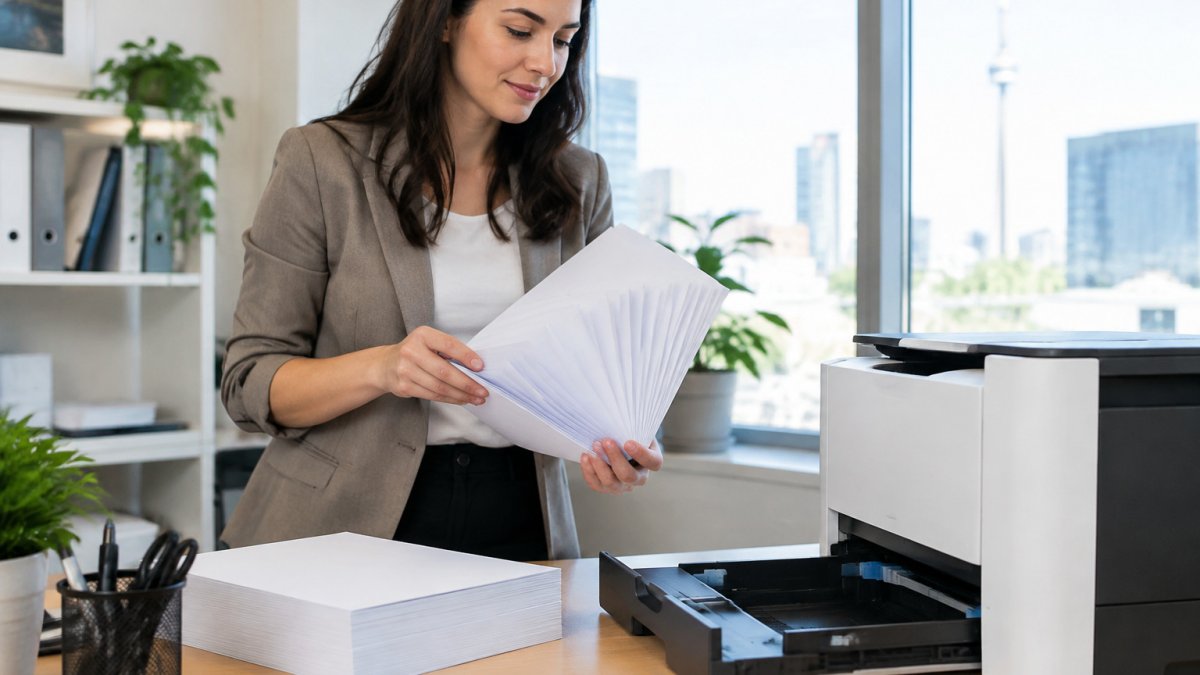
Fan the sheets: hold the stack, bend it gently and release so the edges separate, then tap it flat. Stuck-together sheets feed as one thick sheet, a classic jam trigger.
Load paper with the print side facing the way your printer's manual shows, and fill the tray only to the fill line. Overfilling pushes the stack into the feed rollers at an angle.
Slide the paper guides snug against the stack. Loose guides let the paper skew; tight guides bend the edges. The goal is a stack that sits flat and square.
How to Store Printer Paper So It Feeds Cleanly
Paper that absorbs moisture curls, and curled paper causes printer paper jams. Store paper in a cool, dry room, flat on a shelf, in its original wrapper, and never stand a ream on its edge.
A damp stack can feel fine in the tray and still jam halfway through a long print run. If a ream feels soft or wavy, use a fresh one.
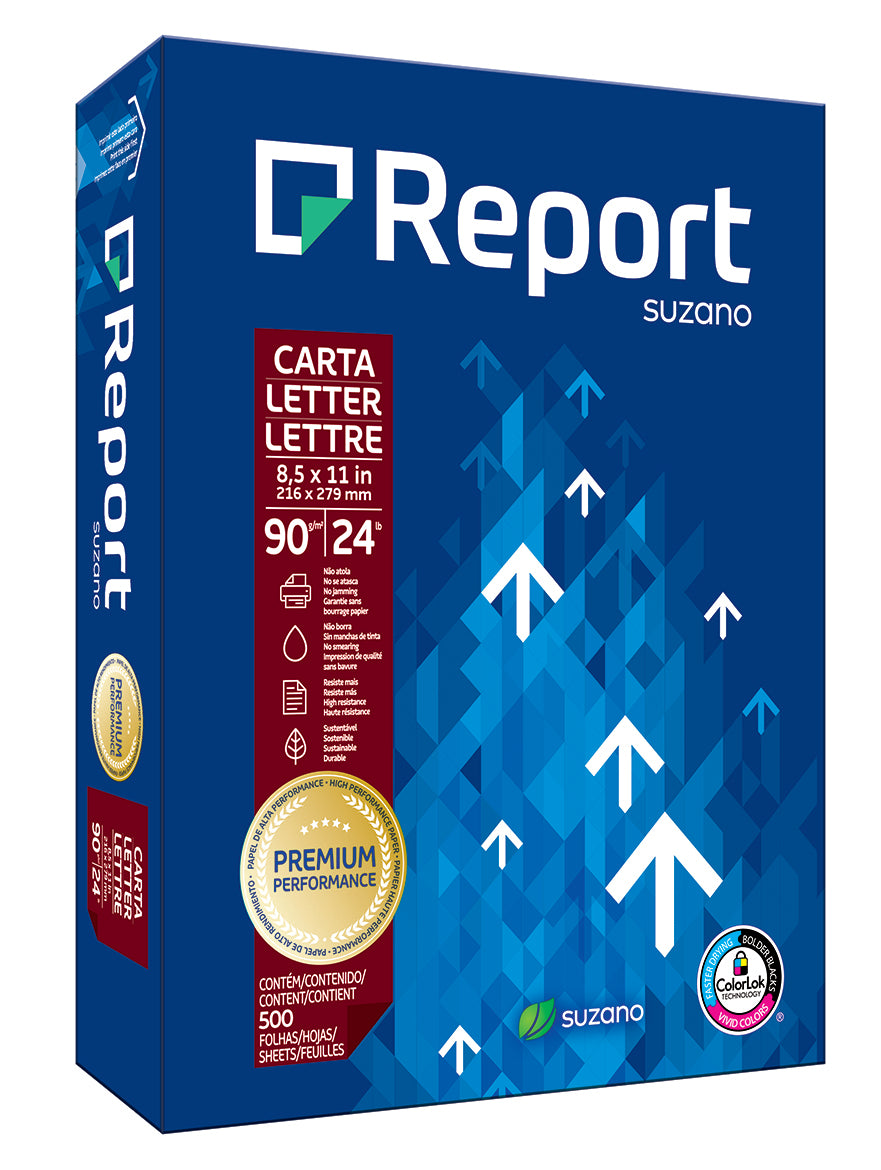
Copy paper stored this way is less likely to curl or misfeed. Report Premium FSC paper has a smooth surface that resists jamming, but no paper can overcome damp storage.
Printer Roller Cleaning and Jam Prevention Checklist
Use this checklist once a month, or weekly on a busy shared printer:
- Power off and unplug the printer
- Remove loose paper scraps and wipe the feed rollers with a lint-free cloth lightly dampened with water
- Clear dust with compressed air, check the guides sit square, confirm tray size and type, then print one test page
If jams keep returning in the same spot, worn rollers are a likely cause. Replacement rollers are model-specific, so check your manufacturer's manual before buying.
For a reliable printer and paper that feeds cleanly, browse our printers or choose a premium letter-size paper designed for smooth feeding.
The checklist and its maintenance steps can be scanned at a glance, as shown below.
| Step | What to do | Frequency |
|---|---|---|
| Power off | Turn off and unplug the printer | Before cleaning |
| Clear rollers | Remove scraps and wipe feed rollers with a damp lint-free cloth | Monthly, or weekly on a busy printer |
| Remove dust | Clear dust with compressed air | Monthly, or weekly on a busy printer |
| Check guides | Confirm the paper guides sit square | Monthly, or weekly on a busy printer |
| Test print | Confirm tray size and type, then print one test page | After cleaning |
Frequently Asked Questions
How do I stop my printer from jamming paper?
Start with the paper. Use copy paper rated for your printer, fan the sheets before loading, and keep the stack below the tray's fill line. Store reams flat, dry and in their original packaging so the edges stay straight. Adjust the paper guides so they sit snugly against the stack without bending it. Clean the feed rollers every few months with a lint-free cloth dampened lightly with water, and check the manufacturer's manual for the cleaning method approved for your model.
Can the wrong paper cause a printer jam?
Yes. Paper that is too light, too heavy, damp, curled or dusty is far more likely to jam. Copy paper such as the 20 lb. and 24 lb. letter-size options in Copy-Cat's catalogue is designed for printers and copiers and resists curling, which helps prevent misfeeds. Always check that the paper size and type setting on the printer matches what is loaded, since a mismatch can cause the machine to pull sheets incorrectly.
How do I safely remove jammed paper from a printer?
Turn the printer off and unplug it if your manual advises it. Open the access doors and gently pull the paper in the direction of the paper path, not against it, so no pieces tear and stay inside. Check the rear door, duplex unit and toner area. Once the path is clear, close everything and power on. If the jam message persists, look for a scrap of paper you missed or consult the model-specific instructions in the manufacturer's manual.
